All Attendance in One Place
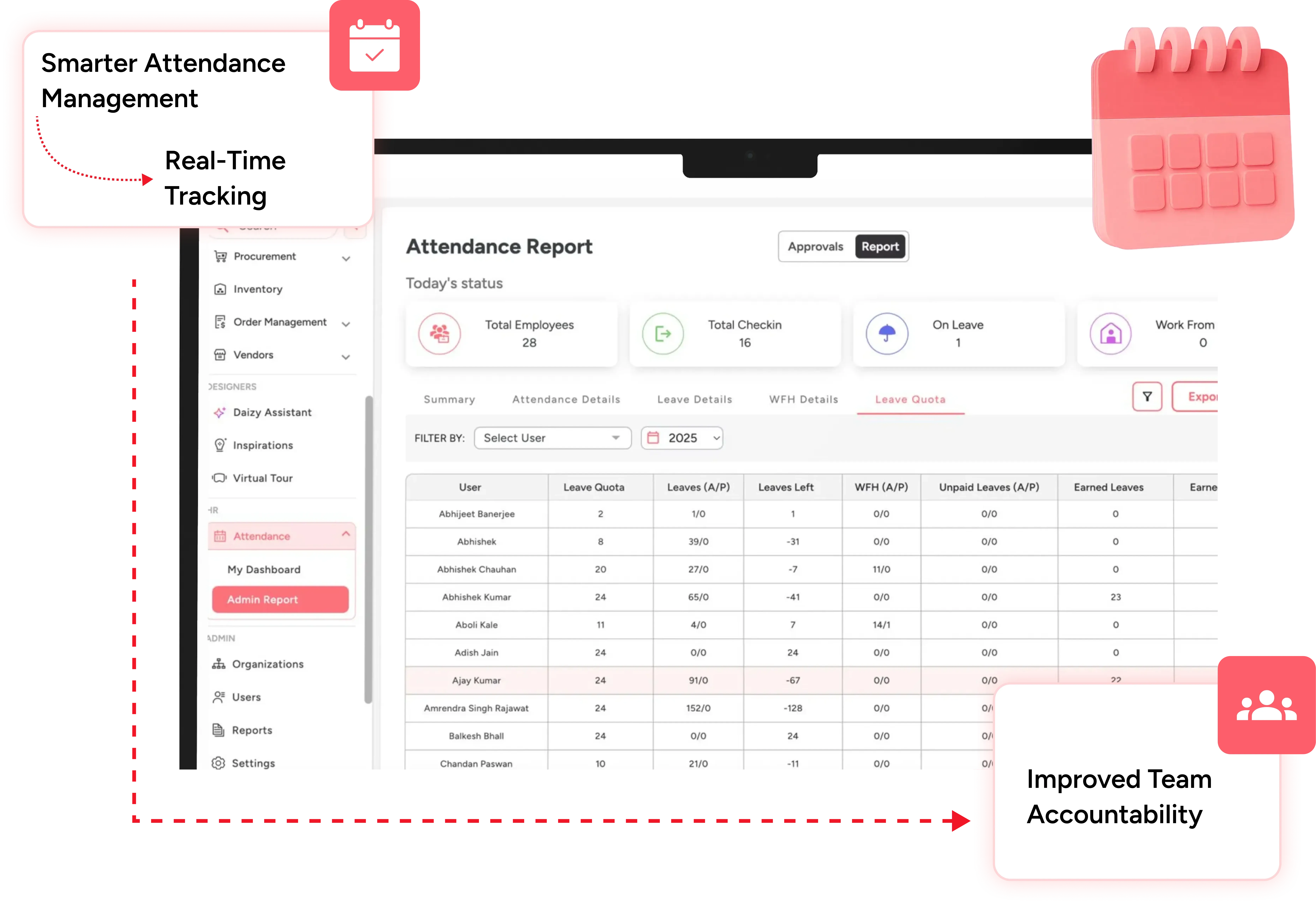
View check-ins, check-outs, field visits, WFH, and leave records from one single dashboard — no more switching between registers, spreadsheets, or chats.
Centralize every check-in, leave request, and visit approval into one powerful system designed to give managers complete control and teams a smoother, stress-free, more transparent, and highly organized workday experience daily.
All Attendance in One Place
View check-ins, check-outs, field visits, WFH, and leave records from one single dashboard — no more switching between registers, spreadsheets, or chats.
Location-Based Check-Ins
Ensure your team checks in only from approved office or site locations using smart geo-fencing that improves accuracy and prevents misuse.
Easy Leave & WFH Requests
Employees can apply for leave or work-from-home in seconds, while managers approve requests instantly without calling, texting, or follow-ups.
Automatic Absence Handling
Forgotten check-ins no longer become a problem — the system can mark absences automatically so records stay honest and updated.
Real-Time Team Visibility
Managers instantly see who is working, visiting sites, on leave, or absent — helping them plan faster and manage better.
Accurate Work Hour Tracking
Working hours, overtime, and undertime are calculated automatically, giving you reliable data for compliance.
For Interior business attendance and location is complicated. Your team moves across multiple sites, comes to the office, goes to market to visit with clients for selections, or purchase material. So the standard attendance management system does not cover all interior business use cases. With Dzylo, you can configure your office locations, and your site locations. Your team can check in on these locations and checkout from these locations. When a team meets a client or goes to market for selection they can add a visit. Dzylo will capture the location of the visit for record keeping. Total work hours of any team member will be calculated based on checkout-checkin + visit hours. Team members can do multiple checkin and checkout and add multiple visits as they work at different locations during the day.
Checkin and Checkout is at a location set in the system. It can be office location or site location. But when team goes to any new location which is not defined in the system, like in the market or at client homes for meetings, they should use Visit. Location is captured in both cases but at the time of Checkin, Dzylo will allow checkin only if team members' location is within the defined boundary of the location configured in the system.
Checkout can be done from any location but we will show in report to manager that checkout was not done from the configured location.
You can configure max working hours in workplace settings. When team members do checkout from a location not configured in Dzylo they will only get max working hours. Also their manager will get this information in their reports so they can talk to them if it is consistent behaviour.
You can enable mandatory selfie at the time of check-in and checkout in your workplace settings. So every team member has to click a selfie at site during checkin and checkout that will ensure compliance.
In Dzylo working days can be configured at team member level. Also for each team member you can set a different leave quota. As you give compensatory leaves you can adjust the leave quota of team members.
You can ask the team to apply for WFH the same as they apply for leave. When you approve WFH you can ask for mandatory report submission for work at the end of day. Their WFH will be counted only when they will submit work report.
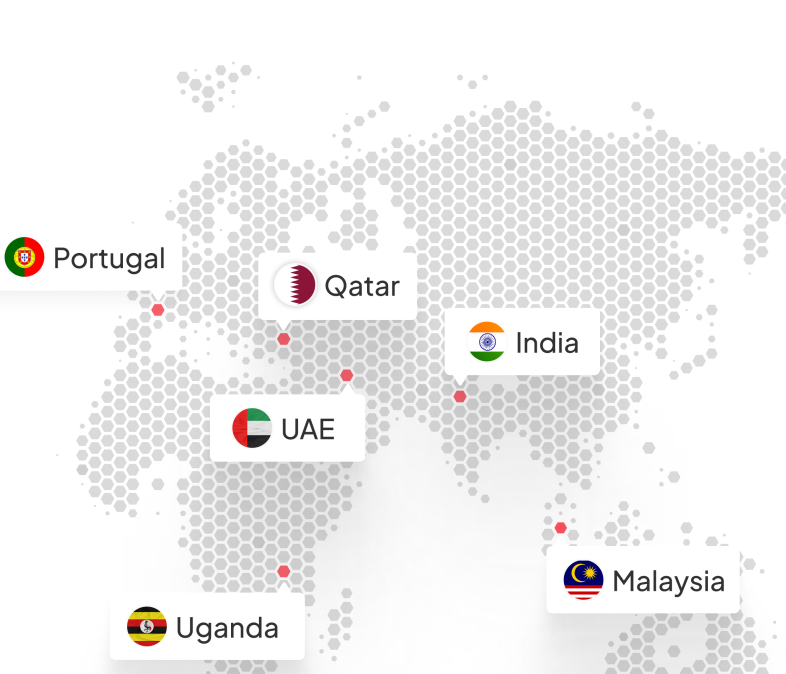
Grow your interior business with Dzylo—trusted by clients across India, UAE, Qatar, Portugal, Malaysia, and Uganda. Our all-in-one platform helps designers and firms streamline projects, manage inventory, and deliver excellence. Join a global community of interior businesses already scaling with Dzylo.